Sweet Integrations: google forms

Showing posts with label google forms. Show all posts

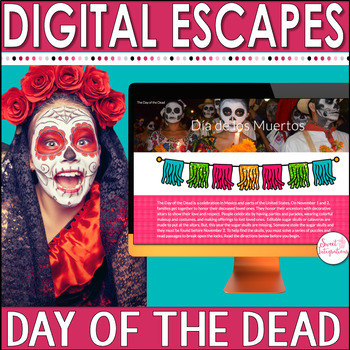
5 Ways to Use Google Forms™ With Digital Escape Rooms

If you enter a classroom filled with excitement, laughter, and students have a feeling of accomplishment, the students may be working with Digital Escape Rooms.  

As I create Digital Escape Rooms, I've become aware of all the different activities and applications that can be implemented. I have used Google Sites, Google Slides, Google Sheets, Flippity, online games and puzzles, videos, and Google Forms with my escape rooms.  In this blog post, I'm going to share 5 Ways to Use Google Forms With Digital Escape Rooms.

Title image
0

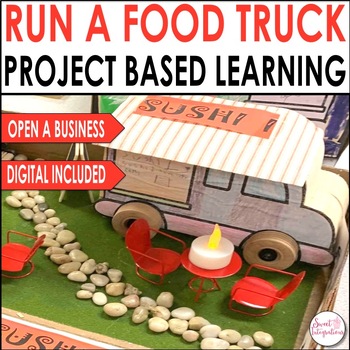
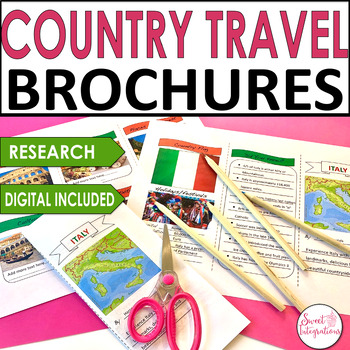
5 Ways to Use Google Forms During Project Based Learning

When developing a project based learning unit, it's important to keep your students engaged, to assess them often for deeper learning, and to give your students an opportunity to express themselves in a non-threatening way. This is where Google Forms™ comes in. In this post, I've provided 5 Ways to Use Google Forms During Project Based Learning.

If you're on the lookout for more ways to use Google Forms during Project Based Learning, or PBL, you're going to love this blog post. You'll get applicable ways to implement Google technology into your classroom to keep students engaged, make grading easier, keep parents informed, and even more. Click through to learn how you could use this with your upper elementary or middle and high school students. {technology integration, 2nd, 3rd, 4th, 5th, 6th, 7th, 8th, 9th, 10th, 11th, 12th grade}

0
Powered by Blogger.